Stop Hiding Your Prices and Services in a PDF Download
If your menu, price list, or services only exist as a PDF, you're quietly losing customers before they ever find you. Here's the five-minute fix.
Quick answer
Hiding prices or services in PDF downloads hurts both SEO and user experience. Google indexes PDFs poorly compared to webpages, and mobile users struggle to read PDFs without zooming. The fix: keep the PDF as a bonus download, but also publish the same information as a proper webpage that loads fast and is easy to read.
Key takeaways
- Information buried in PDFs is less likely to show up in Google search results for the queries customers actually type.
- On mobile, PDFs require pinching, zooming, and sideways scrolling — most people won't bother.
- The fix is five minutes: publish the same information as a real webpage and keep the PDF as an optional download.
- If information matters enough for a customer to want it, it matters enough to exist as an actual webpage.
We reviewed a restaurant site last year where the entire menu was a single PDF, photographed from a printed copy, slightly wonky, and impossible to read on a phone without zooming in three times. Someone searching "do they have vegan options" on Google would never find out.
A trade client had their full price list as a PDF download called "pricing-2023-FINAL-v2.pdf." It hadn't been updated in two years, and nobody remembered it was still linked from the homepage.
Neither business meant to hide this information. It just ended up buried in a format that quietly works against them.
Why This Happens
It's rarely a decision. A brochure or price list already exists as a PDF for print or email, so when the website goes up, someone just uploads the same file instead of turning it into an actual page. Nobody sat down and chose to hide the information — it just landed there by default.
What It Costs You
Google can index PDFs, but it doesn't treat them the same way as a proper webpage — the content is far less likely to show up for the specific searches your customers are actually typing. If someone searches for a phrase that's sitting inside your PDF menu, there's a real chance your competitor's actual webpage beats it to the results.
On a phone, a PDF means pinching, zooming, and scrolling sideways to read a menu or price list that would have taken two seconds to scan as a normal page. Most people won't bother — they'll just try the next search result instead.
The Fix
The fix doesn't mean deleting the PDF. Some people genuinely want a printable version. It means the same information also needs to exist as a real page — the PDF becomes a bonus, not the only way in.
This is genuinely a five-minute check. Open your own site on your phone, find your prices or your menu, and see whether you just opened a PDF to do it. If you did, so did every visitor before they decided whether to stay.
The Bottom Line
If the information matters enough for a customer to want it, it matters enough to exist as an actual webpage — fast to load, easy to read, and something Google can actually surface for the exact question someone typed. Keep the PDF if it's genuinely useful to someone. Just don't make it the only way in.
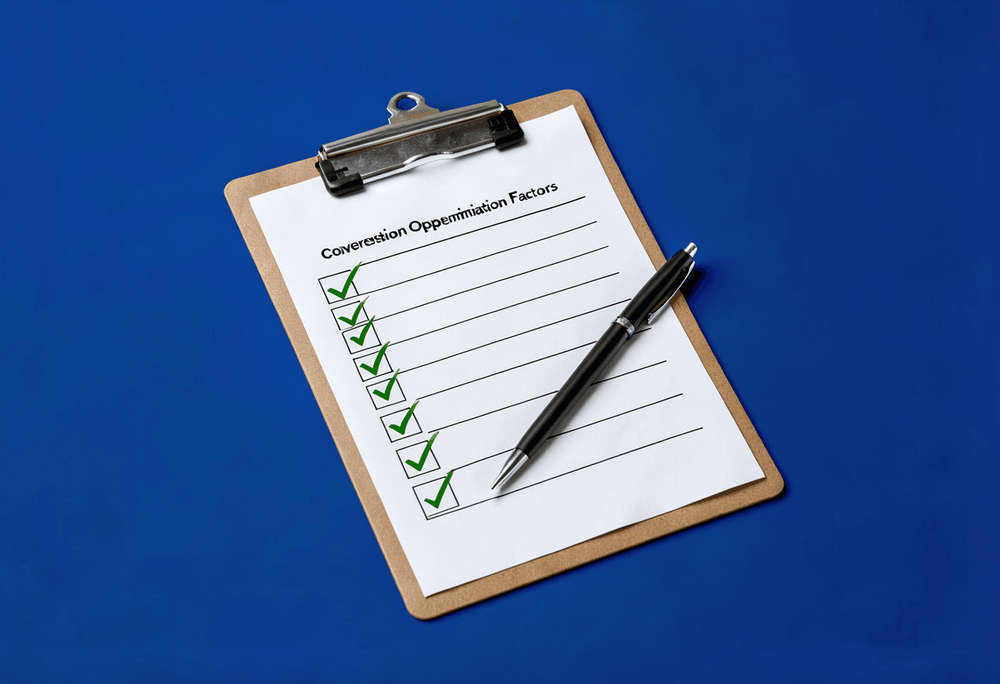
This is one piece of a much bigger picture — our full website conversion checklist covers everything else worth checking on your site.
Want a second pair of eyes on what's quietly costing you visitors?
Book a free consultationLet's chat — the first consultation is free.
Juan Manuel Armas is the founder of Just Sensations, a web and marketing agency building custom, ethical, high-performance websites for small businesses, freelancers, and nonprofits. He has 10+ years of experience in web design and digital marketing.
FAQ
Why shouldn't I put my menu or prices in a PDF?
PDFs are hard to read on phones (requiring zooming and scrolling), and Google doesn't index them as well as proper webpages. This means customers searching for specific items or prices may never find your information, and those who do often leave out of frustration.
Should I delete my PDF entirely?
No. Keep the PDF for people who want a printable version, but also publish the same information as a regular webpage. The PDF becomes a bonus option, not the only way to access your information.
How do I know if my site has this problem?
Open your site on your phone and try to find your prices or menu. If you had to open a PDF to see it, so does every visitor — and many will leave before bothering to zoom and scroll.

Categories: Getting more customers