Google Business Profile: The Free Tool Most Small Businesses Are Wasting
Your Google Business Profile is free and most competitors are neglecting theirs. Here's what actually moves the needle — and what's just busywork.
Quick answer
Google Business Profile controls Local Map Pack visibility, Google Maps results, and AI-generated local answers. Common mistakes: duplicate listings, inconsistent NAP, wrong categories. What works: real photos, proper attributes, regular updates, review responses. Ten minutes monthly maintenance beats perfect one-time setup.
Key takeaways
- Google Business Profile affects local visibility, Google Maps discovery, and how customers judge trust before contacting you.
- The basics matter most: accurate business details, correct categories, real photos, useful attributes, and consistent review responses.
- A short monthly update habit is more valuable than treating the profile as a one-time setup task.
Ask most small business owners what their Google Business Profile looks like and you'll get a shrug. Ask them what their website looks like and you'll get a detailed answer. That's backwards — for a lot of local searches, the profile is the first and only thing people see.
We had a client convinced their website was the problem. Turned out most of their new customers were finding them on Google Maps and never clicking through to the site at all — their profile just hadn't been touched since it was first set up.
Here's what your Google Business Profile actually controls, what most businesses get wrong on it, and what's genuinely worth your time.
What Your Google Business Profile Actually Controls
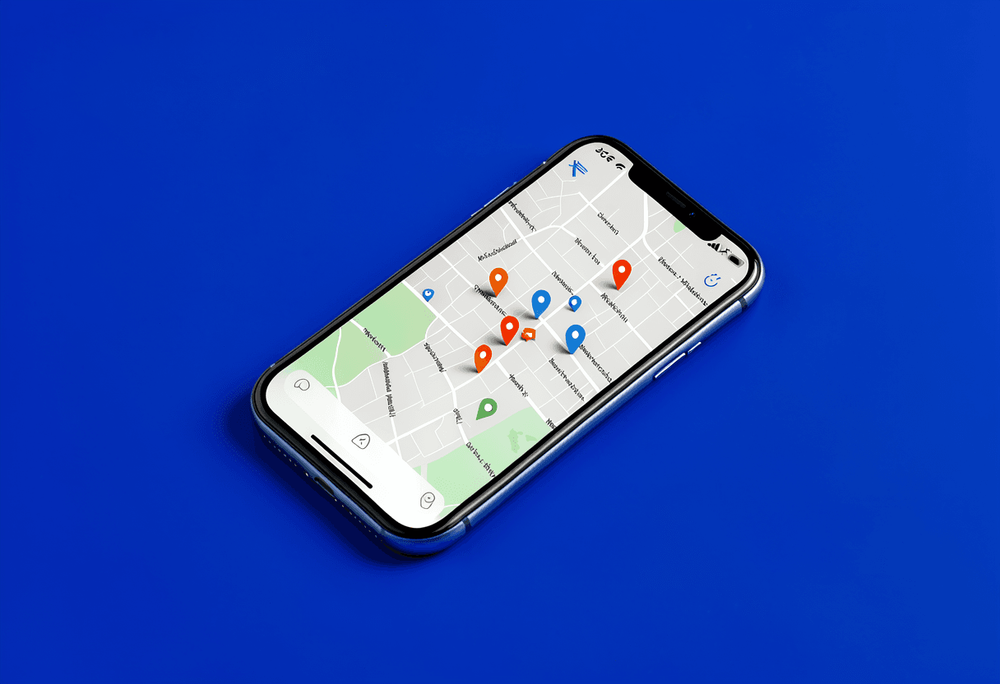
Your profile is what shows up in the Local Map Pack (the block of three businesses Google shows above regular search results), in Google Maps searches, and increasingly in AI-generated answers to local questions — think "find a wheelchair-accessible cafe open now." If the relevant detail isn't filled in on your profile, you simply don't exist in that answer, however good your website is.
It's free. It's often the first impression a potential customer gets of your business. And most small businesses treat it as a one-time setup task rather than an ongoing channel.
The Basics Most Businesses Get Wrong
- Duplicate listings. We've found duplicate profiles for three different clients this year — one from a house move, one from a rebrand, one nobody could quite explain. Each time, it was quietly splitting reviews and visibility across two listings instead of building strength in one.
- Inconsistent name, address, and phone details. Small mismatch, real cost: one client had a different phone number listed on their profile than on their actual website. Nothing dramatic on its own — just enough inconsistency that Google trusted the listing less than it should have.
- The wrong category, or too many of them. Your primary category is one of the strongest signals for which searches you're even eligible to appear in. Vague or overly broad categories dilute that.
- Keyword-stuffed business names. Adding "Best Plumber Near Me" to your actual business name might feel like a shortcut, but it risks the listing being suspended rather than ranked higher.
What Actually Moves the Needle
Once the basics are sorted, a handful of things do most of the real work:
- Real photos, not stock. We tell clients the same thing about their Google profile that we tell them about their website: stock photos read as generic to customers, and Google isn't fooled by them either. Real photos of real work — your premises, your team, the job you just finished — do more than people expect. Profiles with a healthy number of genuine photos consistently see more views and more direction requests than ones with just a handful.
- Filling in attributes properly. Accessibility details, service area, opening hours that actually match reality — these aren't decorative fields. They're increasingly what determines whether you show up in an AI-generated answer to a specific question.
- Posting something, semi-regularly. It doesn't need to be a production. A finished project, a seasonal note, a quick update — anything that shows the profile is actively managed rather than abandoned.
Reviews Are Still Part of This
Reviews are one of the biggest trust signals on your profile, and we've covered how to actually get more of them in a separate post — worth a read if you haven't already. The short version here: respond to the ones you get, good and bad, and don't let your profile be the one place your business goes quiet.
A Simple Monthly Habit
The businesses that get the most out of their Google profile aren't the ones who set it up perfectly once. They're the ones who touch it every few weeks — a photo here, a reply to a review there. Consistency beats a perfect one-time setup, every time.
Block ten minutes once a month: check for new reviews, add a photo, glance at any questions sitting unanswered. That's it. It's not glamorous, but it's the difference between a profile that compounds in value and one that quietly goes stale.
The Real Takeaway
Your Google Business Profile is free real estate that most of your competitors are neglecting. You don't need to overhaul it in one sitting — you need to get the basics right once, then give it ten minutes a month. That's usually enough to outpace a competitor who set theirs up three years ago and never looked again.
If you're not sure whether your current profile is helping or quietly working against you, that's worth a second pair of eyes. Related reading: How to Choose the Right Images for Your Website (Without Using Stock Photos).
Want a second opinion on your online presence — website and Google profile both?
Book a free consultationFirst conversation is always free.
FAQ
What does Google Business Profile control?
Your Google Business Profile controls your visibility in the Local Map Pack (top 3 results), Google Maps searches, and AI-generated answers to local questions like 'find a wheelchair-accessible cafe open now.'
How often should I update my Google Business Profile?
Block 10 minutes once a month: check for new reviews, add a photo, and glance at any unanswered questions. Consistency beats a perfect one-time setup.
Should I use stock photos on my Google Business Profile?
No. Real photos of your premises, team, and completed work perform better than stock photos. Profiles with genuine photos see more views and direction requests.

Categories: SEO and Google