How to Build a Contact Page That Actually Gets You Leads
Most contact pages quietly lose customers. Here's how to build one that actually converts - the form, the page, and the thank-you page that most businesses waste.
Quick answer
Most small business contact pages get treated as an afterthought. A form slapped onto a blank page, the company address copied from somewhere, a "Get in touch" headline, and that's it.
Key takeaways
- Why Your Contact Page Is Doing More Work Than You Think
- The 5 Most Common Contact Page Mistakes
- What to Actually Include on Your Contact Page
- How to Design a Form That Actually Gets Filled In
Most small business contact pages get treated as an afterthought. A form slapped onto a blank page, the company address copied from somewhere, a "Get in touch" headline, and that's it.
That's a problem - because it's also one of the most-visited pages on your website, and the place where intent peaks. Visitors who reach your contact page have already decided you might be the answer. They're a few clicks from being a customer.
And then most contact pages quietly lose them. Research consistently shows that around 44% of website visitors leave when contact information isn't easy to find. That's almost half your warmest traffic, walking away because of a page nobody bothered to design.
This post is a practical structure for a contact page that actually converts - whether your customers are homeowners booking a tradesperson or procurement teams vetting a supplier.
Why Your Contact Page Is Doing More Work Than You Think
The contact page is often the second or third most-visited page on a small business website, right after the homepage. Whoever lands on it isn't browsing - they're considering action.
For B2C businesses, that means a homeowner deciding whether you're worth phoning, or whether they should keep looking. The trust signals have to land in seconds.
For B2B businesses, the contact page is often where the buying committee converges. The decision-maker, their team, and procurement all read it. The clarity of the next step matters more than anything else.
There's also a less obvious reason the page matters: Google reads it. The search engine specifically crawls and parses contact pages to extract Name, Address and Phone (NAP) data, which it associates with your Google Business Profile. A well-structured contact page is one of the most direct local SEO signals you can give Google - and one most small businesses miss.
In short, this page is doing real work. Most contact pages aren't.
The 5 Most Common Contact Page Mistakes
We audit a lot of small business websites, and the same five mistakes turn up almost every time:
- Form-only contact page with no other options. No phone number, no email, no address - just a form. The customers who'd have called (usually the most ready-to-buy ones) walk away.
- Too many form fields. Asking for company size, budget, industry, current toolset before they've even said hello.
- No response time expectation. The visitor has no idea if they'll hear back in an hour or a week. So they hedge by contacting your competitors too.
- Buried below the fold or behind extra clicks. The contact details are technically on the page, but you have to scroll past three sections to find them.
- Generic "thank you" page that wastes the conversion moment. The form submits, the page says "Thanks, we'll be in touch," and the visitor leaves.
A note on the second point: we worked with a B2B client whose contact form had fourteen fields, including company size, industry, budget range, and current toolset. The thinking was that they'd "qualify the lead." What it actually did was filter out 80% of their potential enquiries before they ever got to talk to anyone. We cut it to three fields - name, email, message - and their qualified pipeline doubled.
And on the third: most contact pages don't tell the visitor how long they'll wait for a reply. So the visitor assumes the worst - days, maybe never - and shops elsewhere while they wait. A single sentence ("We typically respond within 24 hours") costs nothing to add and shifts the visitor from "I'll send this and forget" to "I'll wait for a response." It's one of the highest-impact, lowest-effort fixes we recommend.
What to Actually Include on Your Contact Page
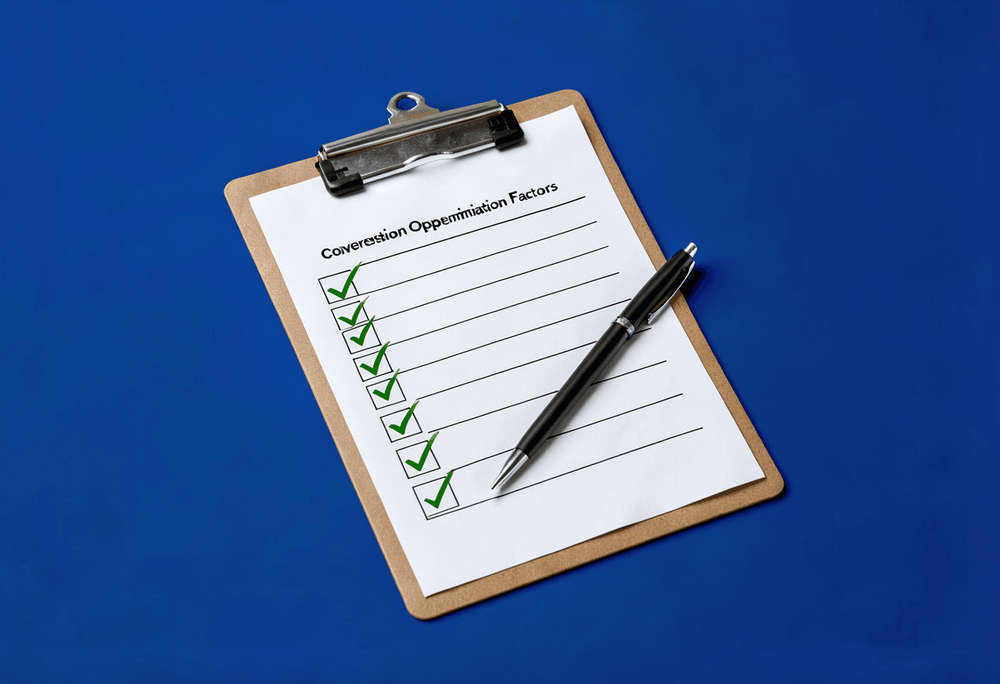
A practical checklist that works for both B2C and B2B:
- Multiple contact methods. A form and an email address and a phone number. For B2C trades and services, add WhatsApp if your customers use it. Different visitors prefer different channels - don't force them all through one funnel.
- Your full Name, Address and Phone (NAP). In plain text, exactly as it appears on your Google Business Profile.
- A clear response time expectation. "We typically reply within one business day" or similar.
- Why visitors should contact you, not just "Get in touch." A short line about what they'll get from reaching out - a quote, a free consultation, an answer.
- A real human face or photo if you're a one-person business. Trust signals matter more than polished branding.
- Trust signals where they make sense - testimonials, business hours, recognisable credentials.
- Privacy reassurance for the form. A short line saying you won't share their data, ideally with a link to your privacy policy.
For B2C service businesses specifically, the phone number is often the conversion. Yet we see so many contact pages where it's hidden in 11px grey text at the bottom, or buried inside a paragraph. On mobile, it should be a tap-to-call link, big enough to hit with a thumb, near the top of the page. Half the local-service jobs we've seen won are won within ten seconds of a customer landing on the contact page - but only if the number is easy to find and easy to dial.
There's also a piece of free local-SEO work most contact pages skip: putting your full NAP on the page in plain text, exactly matching what's on your Google Business Profile. Google specifically crawls and parses contact pages to extract this. If yours doesn't have it, or has a different version of it, you're leaving local search visibility on the table for no good reason.
How to Design a Form That Actually Gets Filled In
Three rules: short, clear, mobile-first.
- What to ask. For most small businesses, three fields is enough: name, email, message. That's it. If you're B2B and genuinely need to qualify, add one or two optional fields - but optional, not required.
- What not to ask. Phone number (make it optional). Company size. Job title. Budget range. "How did you hear about us." Any field that doesn't change how you'd reply isn't earning its place. Cut it.
- Mobile-first design. Most form submissions happen on phones. Tap targets need to be big enough for thumbs. Fields shouldn't trigger the wrong keyboard (use type="email" for email, type="tel" for phone). Labels should stay visible while the user types - placeholder-only labels are a usability disaster.
- The error state matters. If the form fails validation, tell the user which field and why. "Form failed" is useless. "Email looks invalid - please check the spelling" is useful.
Two more issues come up constantly in audits.
CAPTCHAs are a contact-page tax that everyone pays to stop a small amount of spam. We've seen B2C clients lose around 15% of their form submissions to CAPTCHA failures - older customers, people on slow mobile data, anyone who got a fuzzy traffic-light puzzle. Modern alternatives like a hidden honeypot field block bots invisibly. If you have a visible CAPTCHA on your contact form, swap it for a honeypot. You'll lose the spam without losing the customers.
And - this one's harder to swallow - a surprising number of contact forms we audit are technically broken. They look like they submit, but the submission never reaches an inbox. The owner had no idea, because nothing visibly went wrong. A simple monthly habit of submitting your own form (and checking it actually arrives) is one of the most overlooked maintenance tasks for a small business. We've found dead forms on six-figure-revenue businesses who'd been silently losing leads for months.
The "Thank You" Page Most Businesses Waste
The default thank-you page on most contact forms is a dead end: "Thanks, we'll be in touch." Nothing else. That's the single best moment of trust you'll have with this person - they just chose to contact you - and it's wasted. A good thank-you page sets expectations ("We'll reply within one business day"), gives them something useful to do while they wait (your portfolio, your blog, your case studies), and tells them what to expect next.
For B2B specifically, the thank-you page is where you can save days of email back-and-forth. Drop a calendar booking link directly on the page - Calendly, Cal.com, whatever you use - and let serious enquiries skip straight to a meeting. We've had clients halve their sales cycle just by adding "or book a 15-minute call directly" to their thank-you page. The visitor is never warmer than the second after they submitted.
There's a less obvious reason the thank-you page matters too: it's where your analytics know a conversion happened. If your contact form just shows a "thanks" message on the same page (no redirect), Google Analytics often can't tell anything happened, and your reporting is broken. A separate thank-you page with its own URL gives you clean conversion tracking - which means you can finally tell which traffic source is actually generating enquiries, and stop guessing.
A Quick Audit You Can Do in 10 Minutes
Five checks you can run on your own contact page right now:
- Open it on your phone. Time how long it takes to find your phone number. If it's more than three seconds, it's buried.
- Submit your own form. Use a real email address. Did the email arrive in your inbox? Did the thank-you page do anything useful?
- Count the form fields. Could you cut any? Could any required field be optional?
- Check for response time expectation. Is there a sentence telling the visitor when they'll hear back?
- Search your business name on Google and look at the Business Profile panel. Does the address and phone match what's on your contact page exactly?
Most small businesses can fix the issues these checks turn up in an afternoon.
Wrapping Up
Your contact page is one of the cheapest pages on your website to fix - and one of the highest-leverage. The visitors landing on it are already considering you. The job of the page is to remove the last bits of friction and let them act.
If your contact page hasn't been touched since the day your site launched, it's almost certainly costing you leads. The good news is that most of the fixes are quick, and most don't require any redesign at all.
Not sure if your contact page is doing the job?
Book a free consultation and we'll take a look at your site and tell you honestly what's working, what isn't, and what to fix first.
FAQ
What will you learn in "How to Build a Contact Page That Actually Gets You Leads"?
Most small business contact pages get treated as an afterthought. A form slapped onto a blank page, the company address copied from somewhere, a "Get in touch" headline, and that's it.
Why is Why Your Contact Page Is Doing More Work Than You Think important?
Because it directly affects trust, message clarity, and conversion before someone contacts you.
What is the best first step?
Apply one practical change this week, measure the result, and repeat with the next highest-impact improvement.

Categories: Getting more customers